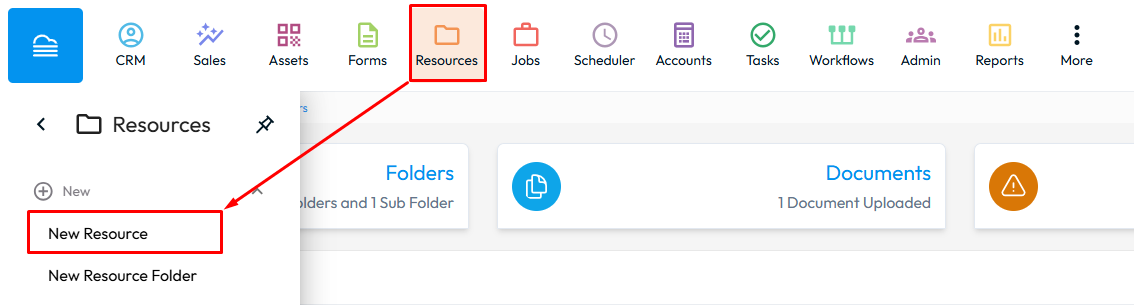
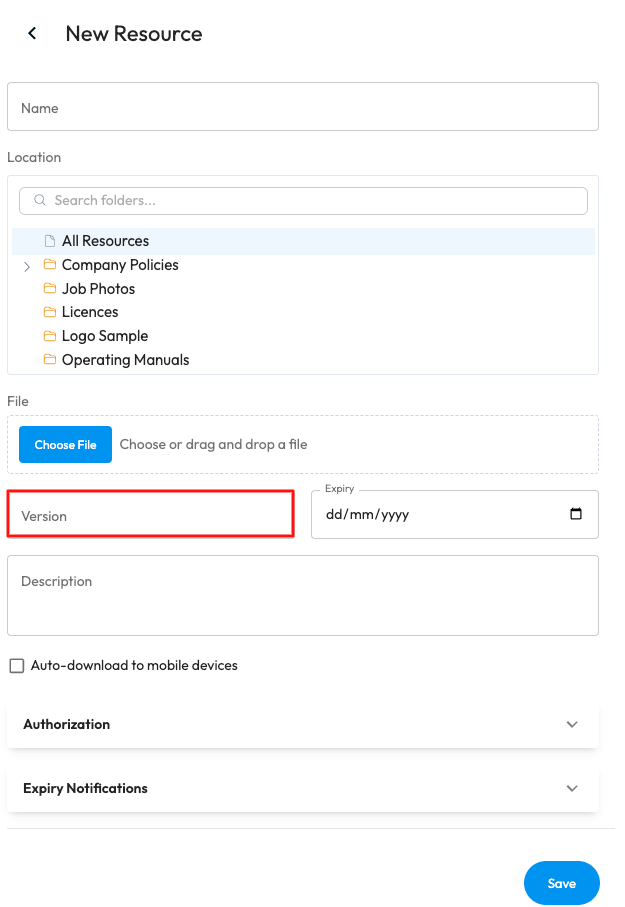
To add a new Resource in the Web Portal go to Resources > New Resource > Select the Folder you would like for it to appear in > Review the Resource Settings > Save. You are also able to upload Resources in bulk in the same way. You will be able to be able to enter a version, which allows for visibility over pervious document versions making them easier to review and restore if needed.