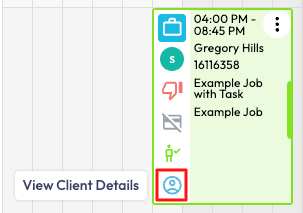
You are able to edit the Clients details in the Scheduler by selecting View Client Details in the Job Tile if you have not removed this from your Job Roll Over.
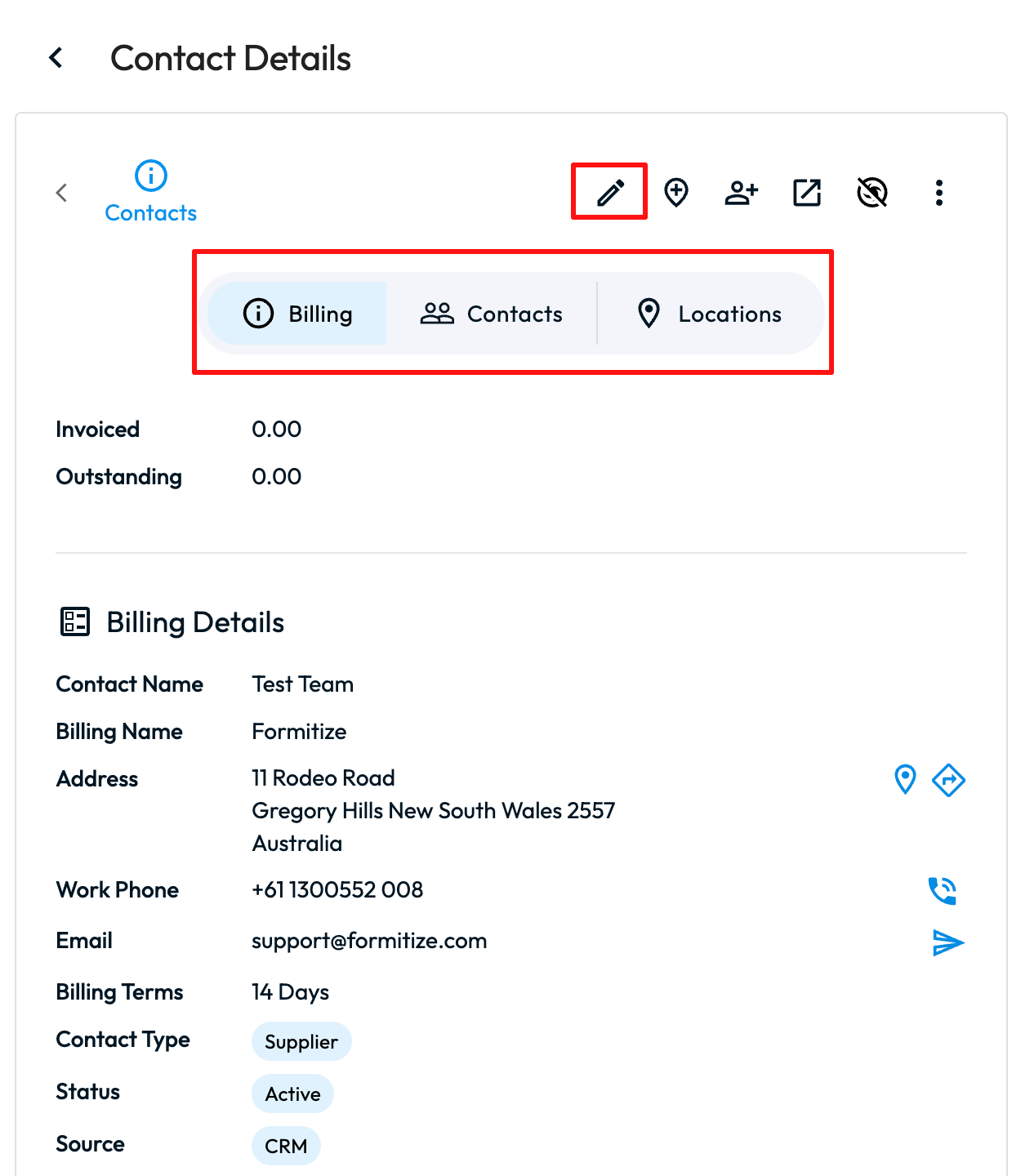
This will open up a side drawer on the right side of the screen where you will be able to select the Edit pen at the top to edit the Billing Details, or select the Contacts tab > Select the Edit pen of the contact that you would like to edit > Make your changes needed > Save.