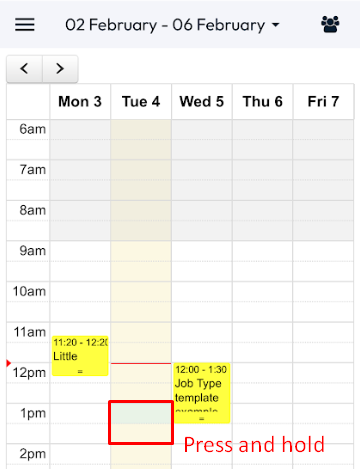
There are a few ways that you can create new jobs from the Scheduler in the Web Portal or the Diary in the App.
To create a job in the Scheduler > Either Drag and drop over the preferred time and date or select New Job in the top right of the screen > Enter the Job Details > Dispatch.
To create a job in the Diary, press and hold your finger on the day/time that you would like to create the job for > Enter the Job Details > Save.