Purchase Templates save time and ensure consistency by standardising how purchases can be created and can be done through the Web Portal when creating a new Purchase.
Once a new Purchase has been created, you will have the option to Save as Template. When saving a Purchase as a template, all purchase content is stored except variable details such as Customer/Supplier, Location, Purchased on Date, Due Date,Purchase Order and Order Number.
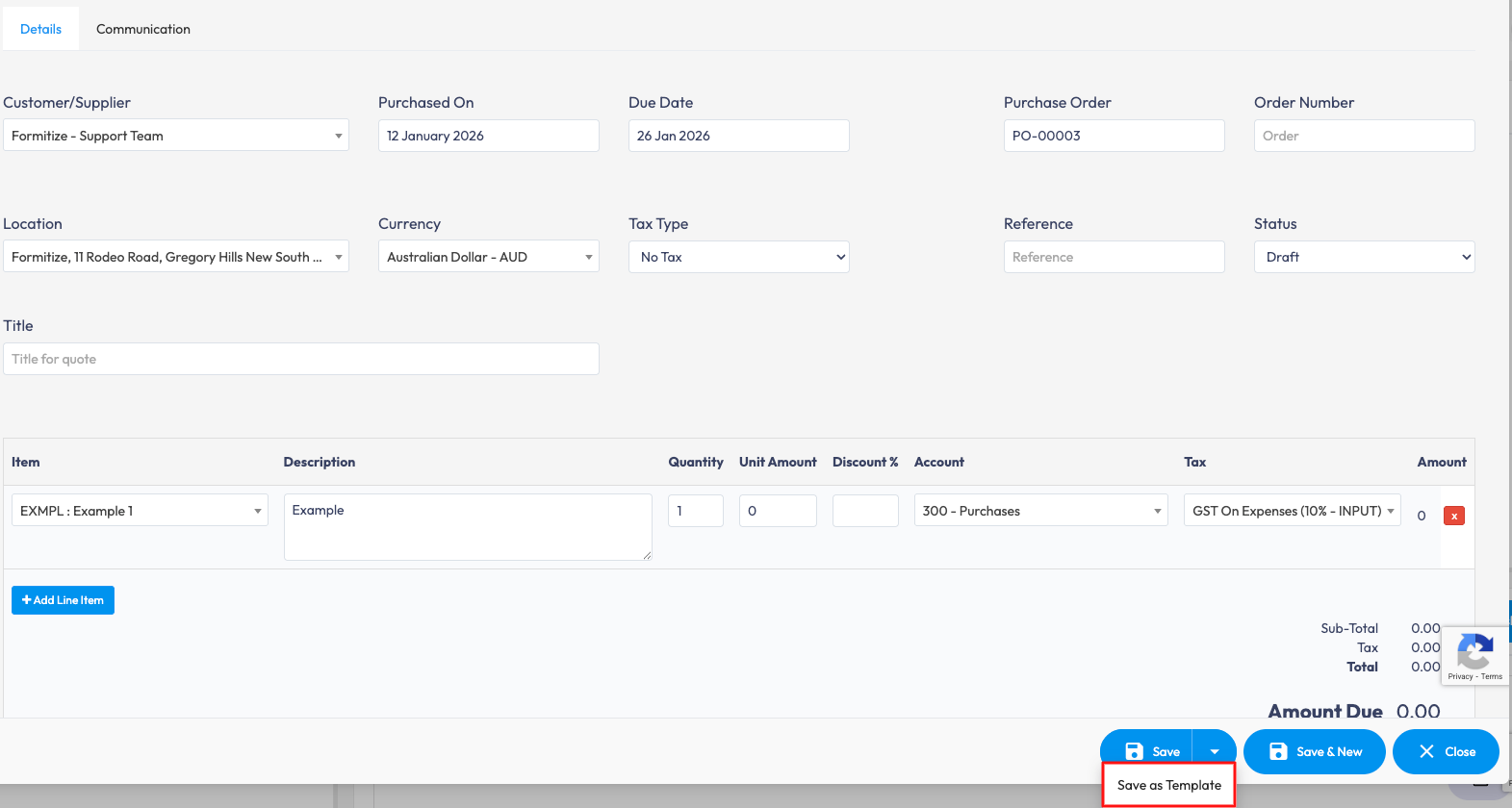
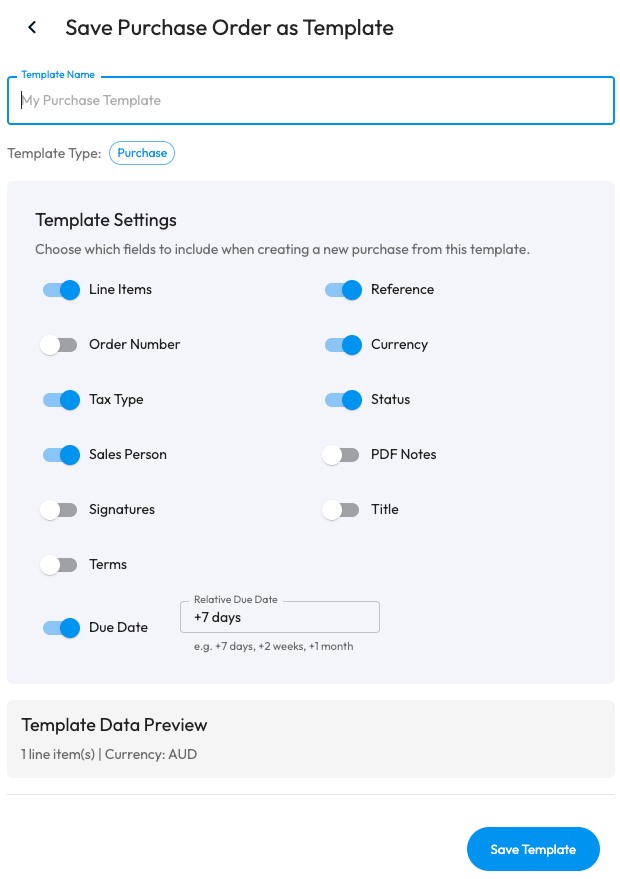
Once you select Save as Template, you will be able to choose the fields that are to be included when creating a new purchase for the specific template under Template Settings.
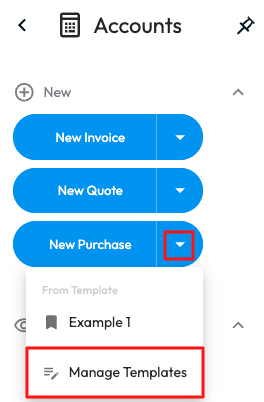
Purchase Templates can be managed through the Accounts menu > select the dropdown next to New Purchase > select an existing template to view the details or manage templates to delete those that are no longer needed.