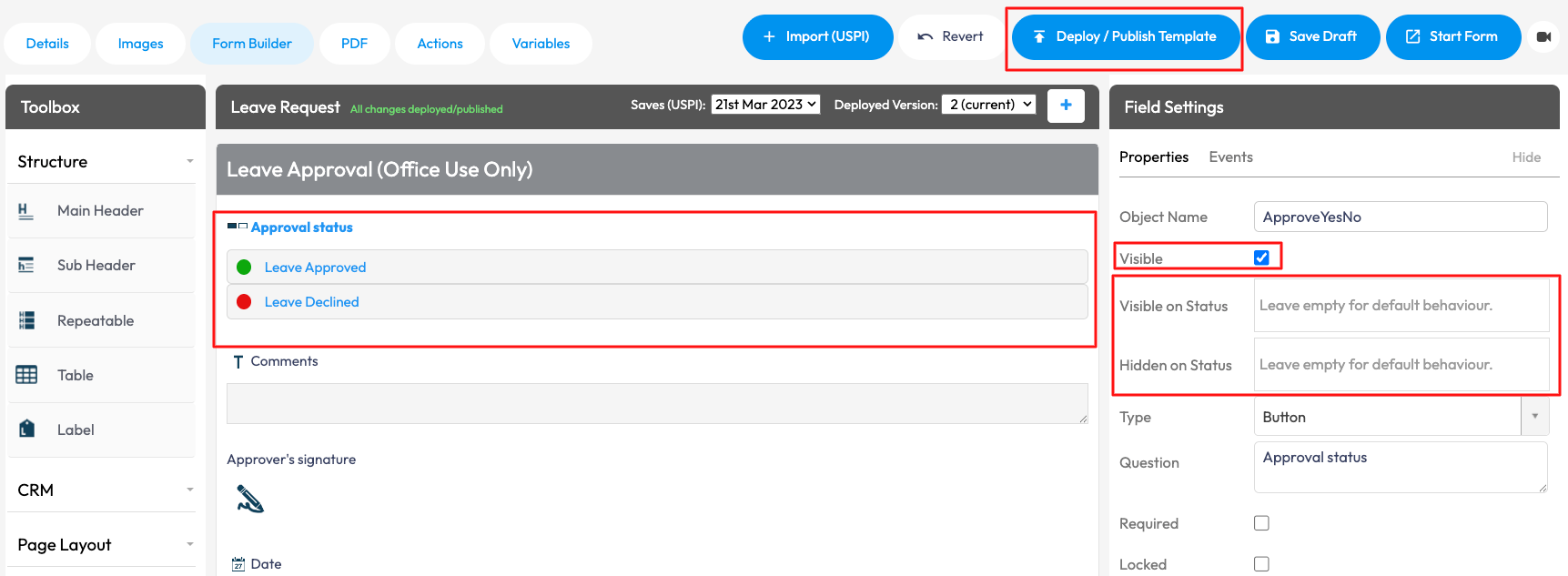
Form Statuses let you control which sections of a form are visible at different stages. You can show or hide sections based on the form’s current status. This helps keep forms clean, structured and relevant as they move through different stages.
To set up Form Statuses in your Form via the Web Portal > Forms > Exisiting Form Templates > Select the Form > Form Builder > Select the Form Field or Sub Header of the section you would like to apply the status to > Under Field Settings, you will be able to choose if you want to make visible or hide on a specific status. If you are wanting for that Field or Sub Header to show on a particular status, ensure Visible has been unchecked > Delpy/Publish Template to save changes.