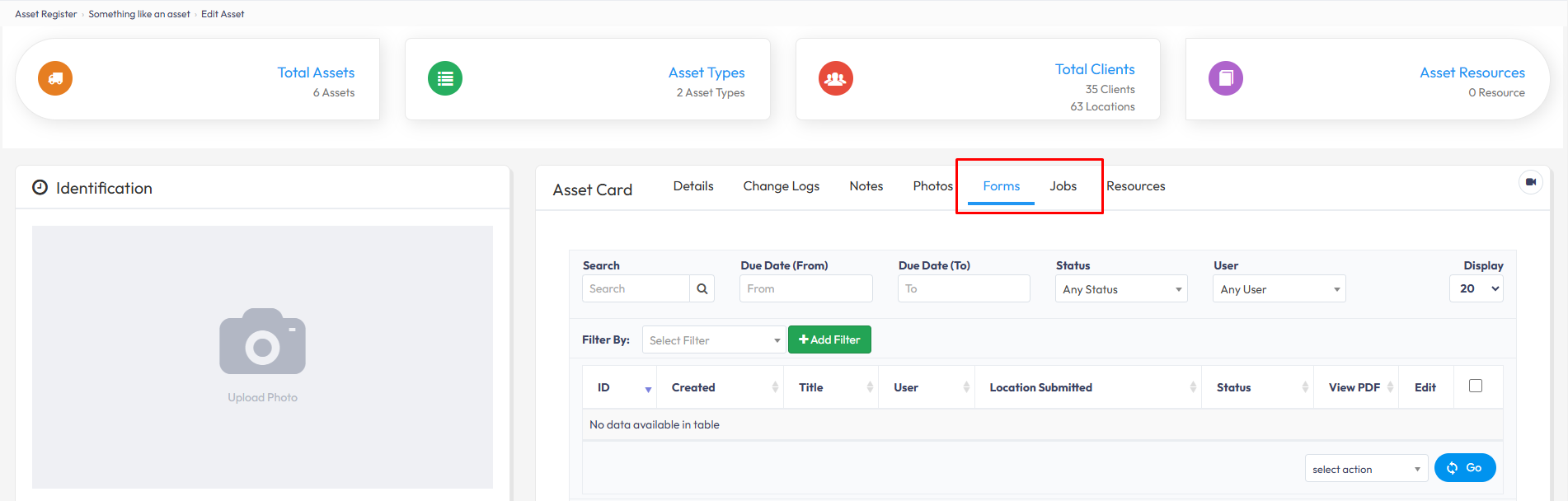
The Asset Card provides a record of all Forms and Jobs associated with an Asset, making it easy to view its history and related activities in one place.
When an Asset is included in a Form or linked to a Job, the associated records will appear in the Asset Card.
In the Web Portal > Assets > Asset Register > Select the Asset > Forms or Jobs tab.
You can select either tab to view more details about the Forms and Jobs linked to that Asset.