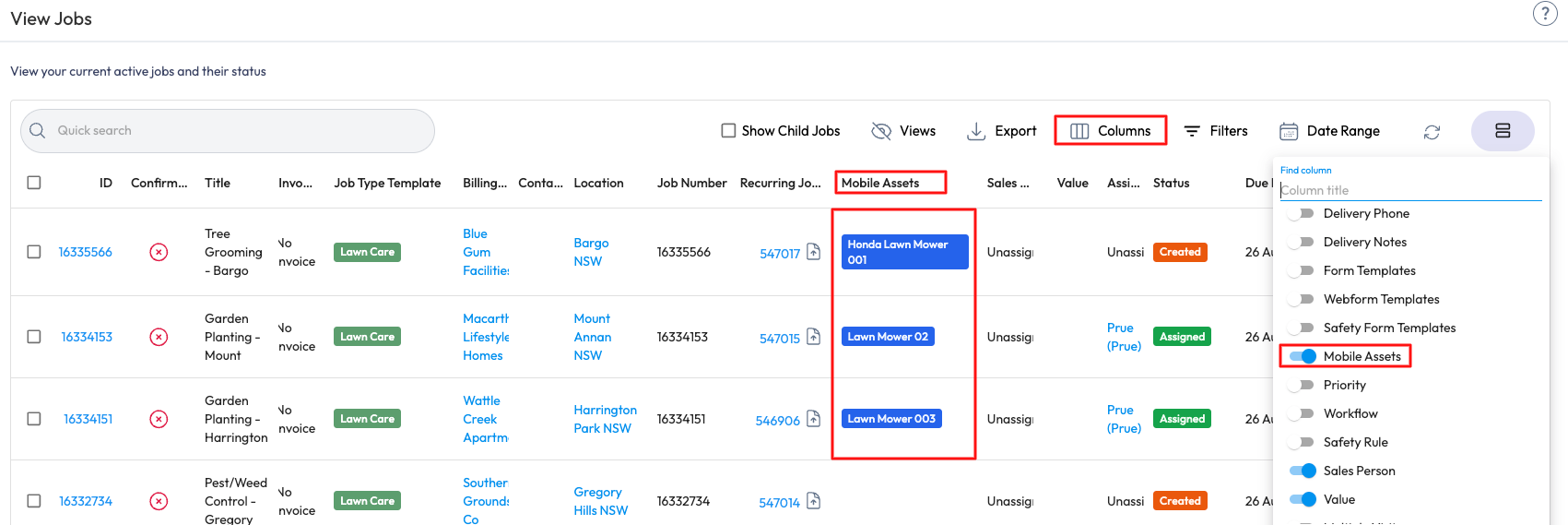
You are able to view Mobile Assets in the Jobs List in the Web Portal > Jobs > Job List > Columns > Enable Mobile Assets. A view can then be created so that you will be able to view this each time in the Jobs List by going to Views > + Save New View > Name the View > Save.